
Deployment Verification
Verify APIs, WebSocket, admin console, and basic message delivery.
Deploy the server backend
First complete server deployment using either Docker Compose deployment or Source deployment.
Open network ports
Allow the required inbound network ports according to Ports and network, depending on whether you use a domain name and SSL certificates.
Verify PC Web client
Open http://your_server_ip:11001 in your browser, where your_server_ip is the IP address of the server hosting the frontend service.
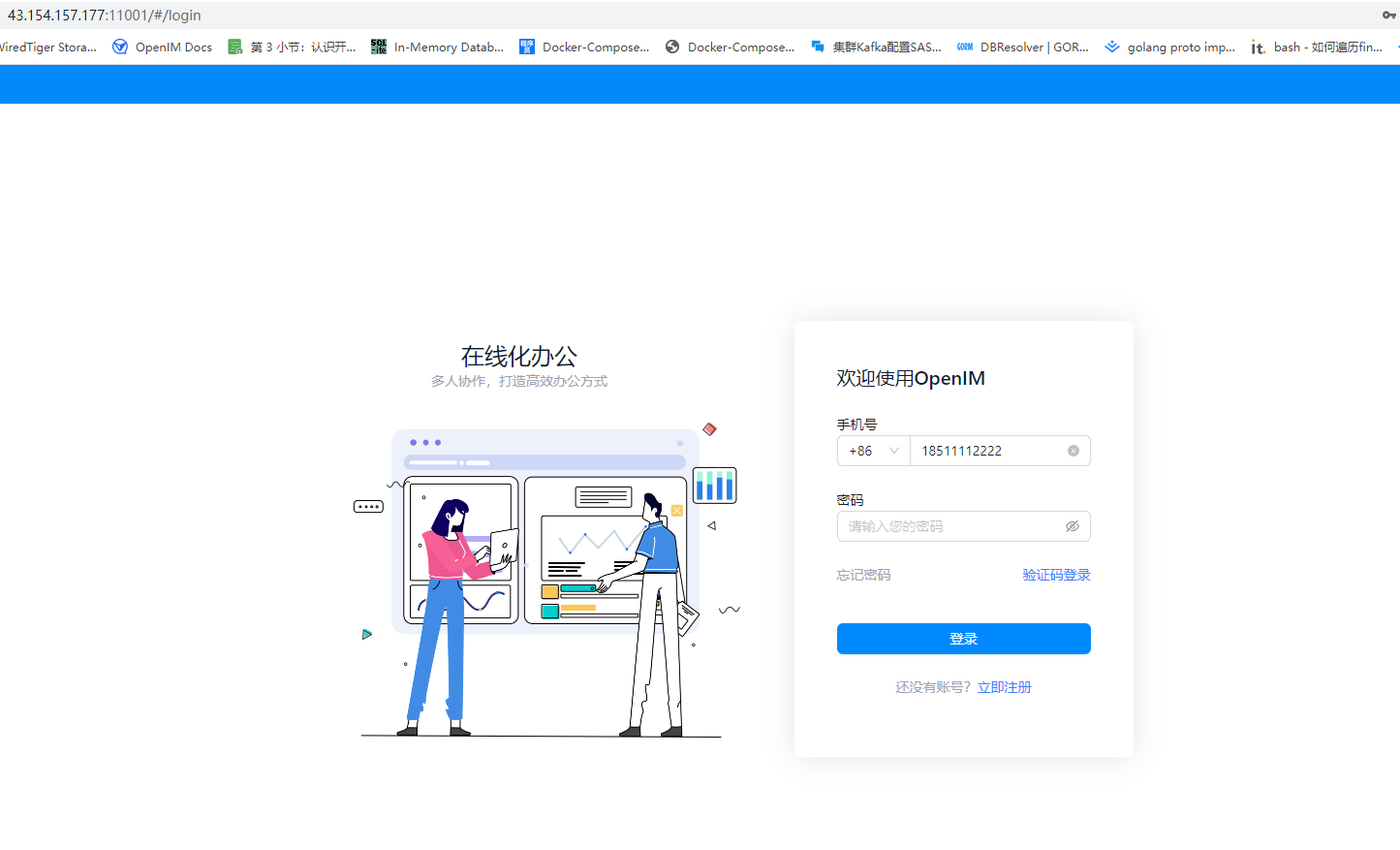
If you do not have a test account, click "Register Now" on the login page, follow the prompts to register, and return to log in. Under default configurations, you can use the super verification code 666666, defined by verifyCode.superCode in chat/config/chat-rpc-chat.yml. If your deployment has disabled self-registration or modified the configuration, use an actual test account and verification code.
If you only deployed the server components without the web frontend, skip this step.
Verify service processes
Docker Compose deployment:
docker ps | grep -E 'openim-server|openim-chat'Containers may temporarily report health: starting during startup. Wait 20-30s to confirm they transition to healthy before testing APIs.
Source deployment:
# Execute in open-im-server directory
mage check

# Execute in chat directory
mage check
Verify domain and gateway routing
When deploying with a domain and SSL certificates, invoke real endpoints to verify that OpenIMServer and ChatServer reverse proxies are routing correctly:
curl -sS -X POST "https://your_domain/api/auth/get_admin_token" \
  -H "Content-Type: application/json" \
  -H "operationID: verify-openim" \
  -d '{"secret":"your_openim_secret","userID":"imAdmin"}'
curl -sS -X POST "https://your_domain/chat/application/latest_version" \
-H "Content-Type: application/json" \
-H "operationID: verify-chat" \
-d '{}'Even if an endpoint returns a business error code, a valid JSON response confirms that the reverse proxy forwarding path is functioning properly.
Verify the WebSocket gateway using any WebSocket client:
wss://your_domain/msg_gatewayIn production, route all client traffic through port 443. Configure OpenIMClientSDK with the following endpoints:
apiAddr: https://your_domain/api
wsAddr: wss://your_domain/msg_gateway
Verify deployments without a domain
When running without a domain name or SSL, connect directly using the server IP and default service ports:
curl -sS -X POST "http://your_server_ip:10002/auth/get_admin_token" \
  -H "Content-Type: application/json" \
  -H "operationID: verify-openim-local" \
  -d '{"secret":"your_openim_secret","userID":"imAdmin"}'
curl -sS -X POST "http://your_server_ip:10008/application/latest_version" \
-H "Content-Type: application/json" \
-H "operationID: verify-chat-local" \
-d '{}'ChatServer POST endpoints also require the operationID header; requests omitting this header will fail with parameter errors.